Home Guides
How to film your child's reaction to the Santa video
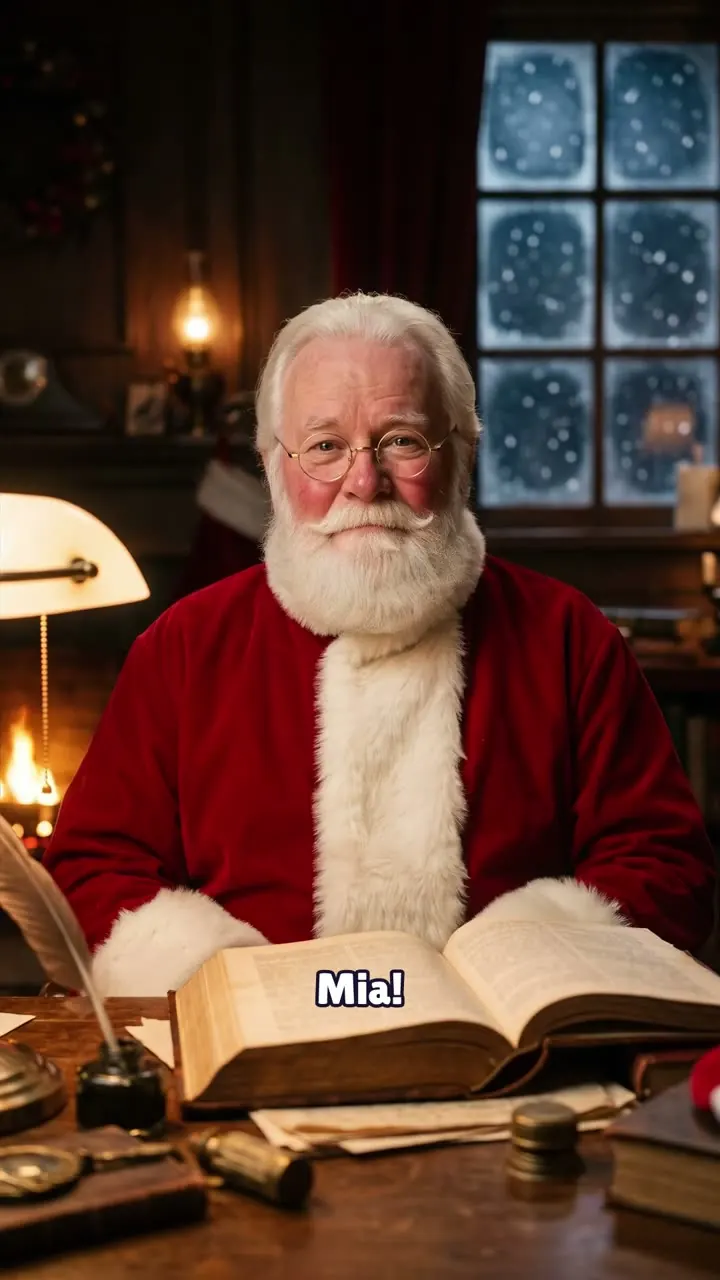
The first time Santa says your child's name, you get one real reaction. These steps help you catch it without turning the moment into a film shoot.
Set up two screens
You need one screen to play the Santa video and one phone to film. A TV, laptop or tablet works well for playing it. The bigger the screen, the easier it is for your child to see Santa's face and the book.
Put the filming phone on a stand, a stack of books or a shelf. Hands shake, and you'll want yours free for a hug.
Do a test run while your child is out of the room. Play a few seconds of any video, film it and watch the clip back. You'll catch a bad angle or muffled sound before it matters.
Frame the face, not the screen
Point the camera at your child, a little to the side of the playing screen and just below eye level. That way you catch their eyes as they look at Santa.
Film vertically if you plan to share on phones. Leave space above the head in case they jump up. If you can, keep an edge of the screen in a corner of the frame so viewers know what is playing.
Get the sound and light right
- Turn the volume up on the playing screen. The moment Santa says the name is the whole point.
- Switch off background TV, the dishwasher and anything else that hums.
- Turn your child toward a window or a lamp. Light from behind turns them into a silhouette.
- Skip the flash. It distracts and flattens faces.
- Check the filming phone has storage and battery before you start.
Press record first
Start the camera, count to three, then press play on the Santa video. Most missed reactions happen because someone taps record a second too late.
Keep filming for a minute after the video ends. The best part often comes after: the questions, the hugs, the run to tell a brother or sister.
Don't over-explain
Skip the big buildup. 'Someone sent you a message' is enough. If you announce that Santa will say their name, you spoil the surprise you're trying to film.
Sit beside them, not behind the camera. Your child will look to you, and your face in the frame is part of the story. If they go shy or quiet, that's a real reaction too.
Before you post it
Ask your child if they are happy for others to see the clip, in words that fit their age. If the answer is no, keep it for the family.
Check the frame for house numbers, school logos and anything that shows where you live. If you do post, tag #SantaKnewMyName so other families can find it.
No Santa video yet? The free preview takes about 10 seconds, and in it Santa says your child's name and writes it in the Nice List. Download the full MP4 to keep it next to the reaction clip.